How to Record Steady Family Videos Without Buying a Gimbal
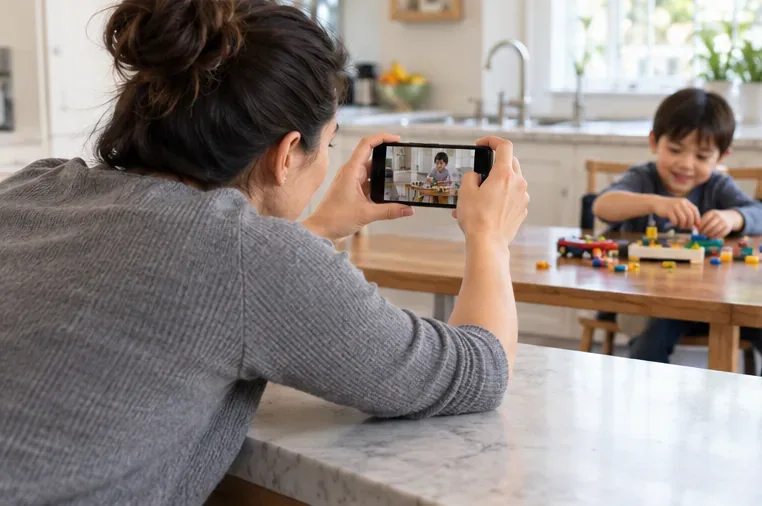
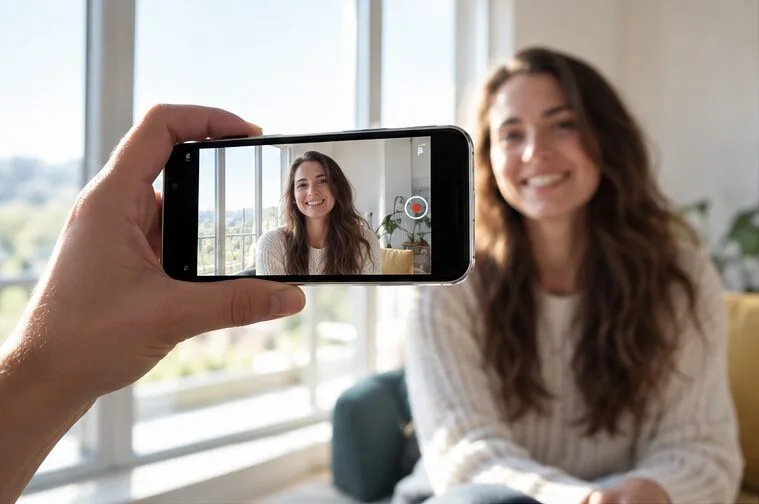
Record smoother family videos without a gimbal using a steady grip, body bracing, stable surfaces, walking technique, and built-in phone stabilization.
You can make a polished short recipe video without showing your face, children, or the rest of your home. The simplest approach is to film a tight view of ingredients and hands, record only the sounds or narration you choose, then inspect the finished clip for details that reveal more than the recipe. Privacy settings help control the audience, but they cannot remove information already visible or audible in the video.
This guide was checked on September 30, 2026. Platform menus and privacy tools can change, so confirm the current options in the app you use before posting.
A short recipe does not need a family-life introduction. Decide what a viewer must see to follow the food: the ingredients, one or two preparation actions, the cooking change, and the finished dish. Write those as a few shots before you set up the phone. This keeps the camera pointed at the work surface instead of drifting around the room.
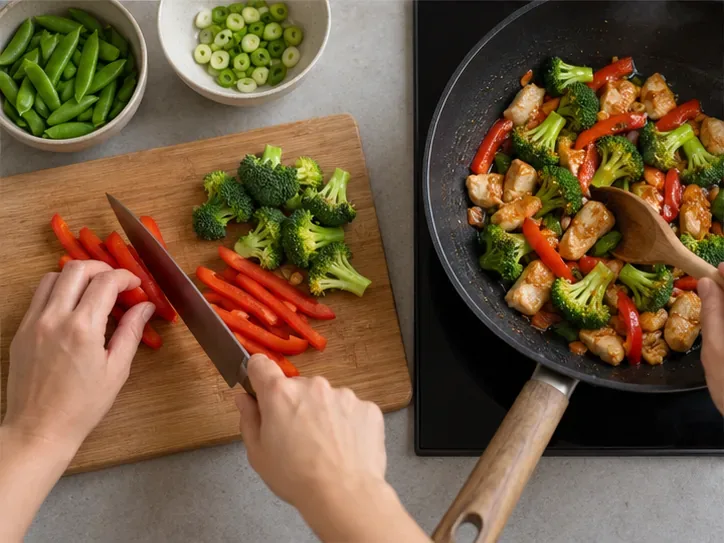
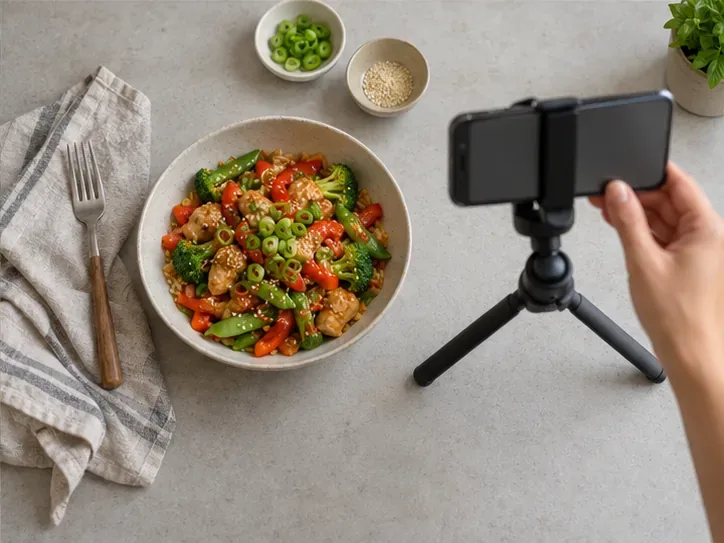
For example, a 30-second vegetable-and-chicken bowl could use an overhead ingredient shot, a close view of chopping, a pan shot, and a final bowl. You can use hands only, text you add yourself, or a voice-over recorded later. Speaking is optional; if you narrate live, remember that the microphone may pick up conversations or names outside the frame.
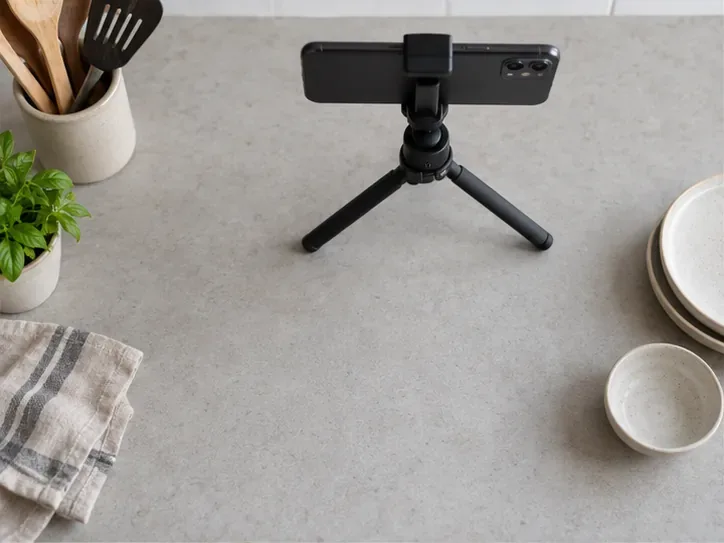
An overhead phone mount or a stable tripod aimed at the counter makes it easier to keep the frame narrow. If you do not have a mount, place the phone securely on a stable surface and test that it cannot slide or fall. Arrange the cutting board and ingredients inside the frame, then check the preview at the edges. A close crop reduces what appears in the shot, but it does not guarantee anonymity: a face or voice can identify someone, and a distinctive object or spoken name may provide context.
Action: Record a five-second test clip and inspect all four corners, the phone’s reflective surfaces, and any shiny cookware before filming the recipe.
Move mail, delivery labels, calendars, school papers, family photos, medication containers, and anything with a name or address outside the filming area. Check reflections in windows, glossy appliances, serving spoons, and the phone screen. A plain wall or backsplash is easier to review than a wide view of the kitchen. You do not need to make the whole home look empty; only the recorded area needs to be controlled.
Listen to the test clip as well as watching it. A relative calling someone by name, a television announcement, or a conversation about a schedule can disclose details even when nobody appears on camera. Record when the room is quiet, mute the original sound during editing, or add narration afterward if that better fits your video.
Action: Before the full take, sweep the counter and listening area for names, addresses, routines, and recognizable voices.
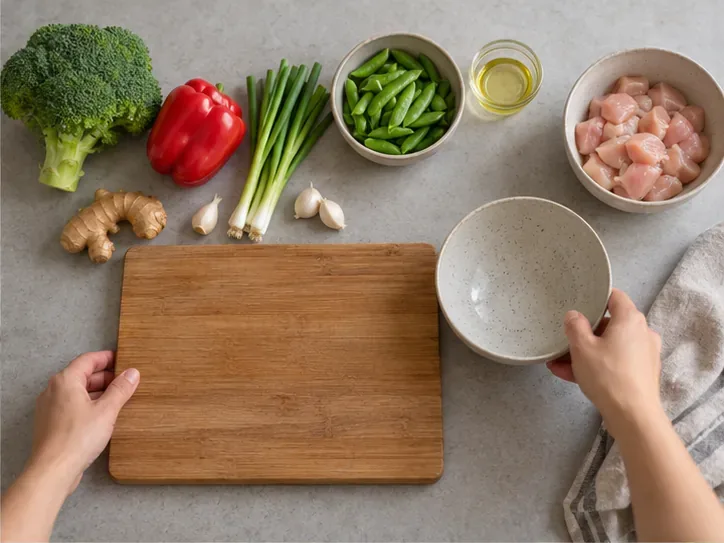
Use short clips instead of one continuous recording. Capture ingredients, the essential preparation, the cooking change, and the finished plate. Keep the camera fixed while you work; move the food or cutting board into view rather than panning across the room. If you need a wider shot to show a technique, make it brief and check whether it reveals a doorway, family calendar, window view, or another room.
Hands-only framing is a practical choice, not a promise that nobody can be recognized. Rings, tattoos, distinctive sleeves, a reflection, or a familiar voice may still make a person recognizable to someone who knows them. Whether those details matter depends on your audience and what you are comfortable sharing. You can remove jewelry, use plain sleeves, frame tighter, or use captions and a voice-over instead.
Action: Record one demonstration clip, then watch it from the perspective of a stranger who does not know your home or family.
Trim the beginning and end of each clip, mute sections with background speech, and crop or blur details that slipped into the frame. Do not rely on blur if the underlying clip still shows a readable name in another moment; scrub through the whole video, including transitions and the cover image. Review any subtitles or auto-captions for names that the audio may have captured. Use a neutral account display name and profile image if you want the cooking content to stand on its own.
On YouTube, the official Shorts guidance describes video visibility choices such as public, private, and unlisted. Those settings determine who can view the upload according to the platform’s rules; they do not make a visible address disappear or prevent someone who can access the video from recording or sharing it. The FTC similarly advises that privacy settings cannot completely control who sees a post, and deleted material may continue to exist elsewhere. Treat access controls as one layer, not as a substitute for editing.
Action: Watch the exported file once with sound and once muted, check the thumbnail and caption, then select the narrowest audience that meets your goal.
Not guaranteed. YouTube’s privacy guidance identifies image, voice, name, contact details, and other personal information as possible factors in whether a person is identifiable. A close crop can reduce exposure, but the sound or surrounding clues may still identify a person to viewers who know them.
Useful next step: Decide whether you want hands, voice, names, and distinctive clothing in the clip. If someone else could be filmed or heard, get their permission first; YouTube’s own guidance recommends permission before filming other people or posting their personal information.
That depends on the platform and sharing choice. These settings can limit ordinary access, but they do not erase details inside the video. An invited viewer can still recognize a home clue, and a person who can access a post may be able to capture or redistribute it. The FTC’s general sharing advice warns that audience controls cannot completely determine who sees online material or how long copies persist.
Useful next step: Remove sensitive details before upload, test with a non-sensitive clip if you are learning a platform’s controls, and check the current help page for exactly who can access each setting.
Not by itself. App permissions and account settings are only part of the picture. TikTok’s support information describes location estimates that may use device or network information; platform menus and behavior can vary by device, region, and app version. A video can also reveal a place through visible street signs, a unique view, spoken details, or the text attached to the post.
Useful next step: Review both device location permission and the app’s current location and post controls, then remove identifying surroundings and location language from the clip, caption, and hashtags. Do not assume that a platform will remove every clue automatically.
Unknown from the public help pages reviewed. The platform guidance checked here describes privacy and location controls, but it does not establish one universal rule for every app, device, upload method, and video-file metadata field. Even if an upload process removes some embedded metadata, that would not hide a street sign, a recognizable view, or a name spoken in the recording.
Useful next step: Do not make automatic metadata removal part of your safety plan. Review the current help page for the app and device you actually use, and remove identifying visual and audio details before upload.
Context matters. In the United States, the FTC’s COPPA guidance concerns covered online services directed to children under 13, or services that know they collect personal information from children that age. It treats a child’s image, voice, and physical location as personal information in that setting; it is not a blanket rule saying every parent’s personal cooking video falls under COPPA. Regardless of legal coverage, a child may not understand the future reach of a public post.
Useful next step: For the most privacy-conscious version, record when children are not in the room and keep their voices, names, school items, and reflections out of the footage. If an adult relative might appear or be heard, ask before recording or posting.
If a detail makes you pause, recut the video before posting. A clean overhead shot, clear food instructions, and a focused edit can make the recipe useful while keeping family life outside the frame.
Record smoother family videos without a gimbal using a steady grip, body bracing, stable surfaces, walking technique, and built-in phone stabilization.
Learn how deduplicating backups, snapshots, hashes, and restore tests can protect large videos while avoiding redundant copies.
Review faces, addresses, school clues, screens, audio, and location metadata before posting a family video. Compare blur, crop, mute, private sharing, and not posting.
Phone video brightness shifts usually come from auto-exposure, changing lenses, or flickering lights. Diagnose the cause and steady your next recording.
Learn how to reduce flicker and banding from household lights by matching frame rate and shutter speed, using camera controls, testing dimmers, and changing light sources.
Choose music for a home video by matching its license to your platforms, checking attribution and reuse terms, and saving proof before you post.
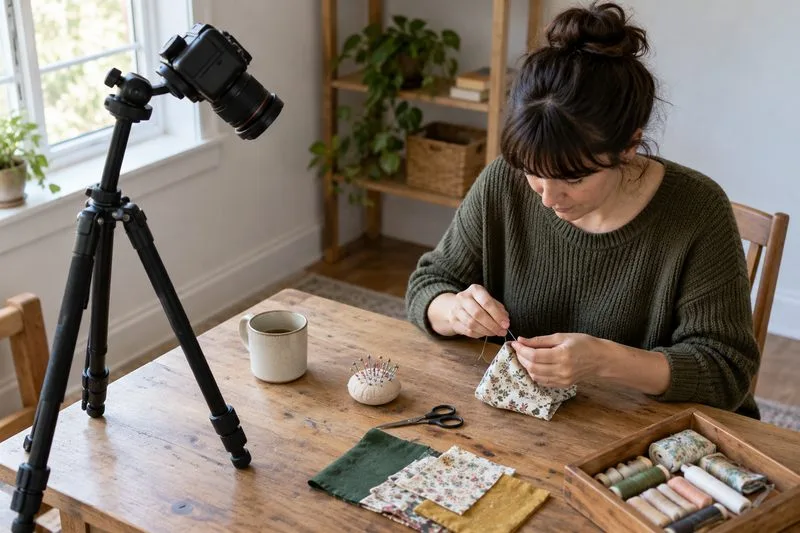
Find a practical camera height for craft demonstrations, compare overhead and angled views, and check framing, focus, and lighting so viewers can follow each step.
Learn why uploaded videos can look softer, how transcoding and playback quality affect detail, and what to check in processing, export settings, and your source file.
Capture more understandable speech when children move with closer microphone placement, a quieter setup, simple monitoring, and a clear playback check.
Learn how to film short recipe videos with hands-only framing, a clean background, careful audio, and a final privacy check before posting.