How to Record Steady Family Videos Without Buying a Gimbal
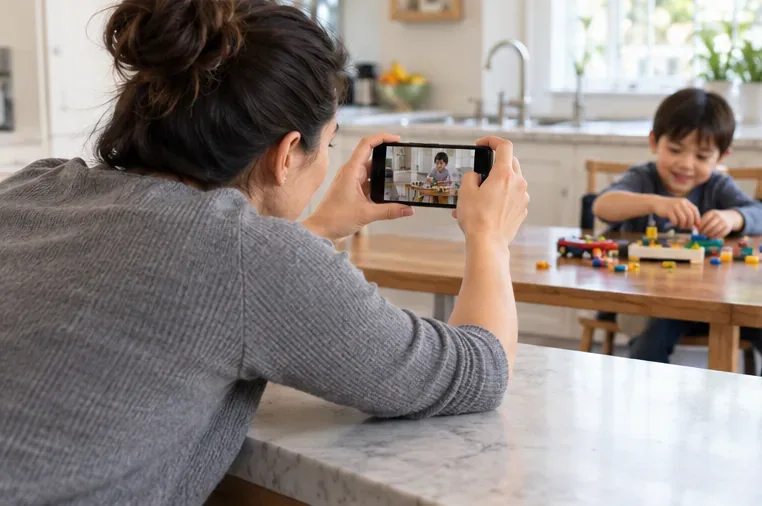
Record smoother family videos without a gimbal using a steady grip, body bracing, stable surfaces, walking technique, and built-in phone stabilization.
The safest soundtrack is not necessarily the cheapest or the most familiar one. It is the track whose permission clearly covers how you will use the finished video. A song that plays on a phone, appears in a streaming subscription, or is labeled “free” online does not automatically come with permission to sync it to video and post that video.
Start with the destination: a private file for family viewing, a YouTube upload, an Instagram Reel, or a video shared across several services can involve different license terms. Then choose music whose rights match that use, and save proof before editing. This guide uses U.S. copyright sources for general orientation; copyright exceptions and license rules vary by country, so it is not a legal opinion.
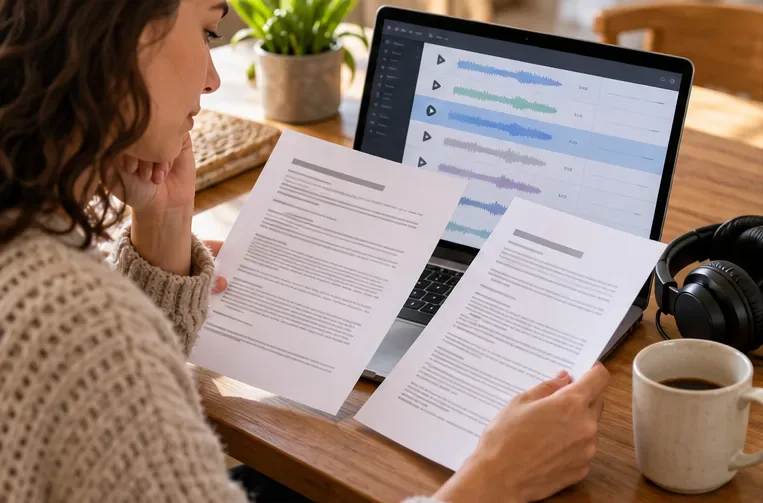
A commercial recording usually contains at least two separately protected works: the underlying musical composition (melody and lyrics) and the particular sound recording (the performance you hear). The U.S. Copyright Office explains that these rights are commonly owned and licensed separately. Putting music in timed relation with pictures is often called synchronization. For a popular released song, permission may need to cover both the composition and the recording; permission from only the singer, a streaming service, or a video editor may not be enough. See the Copyright Office overview of musical works and sound recordings and its discussion of synchronization and master-use rights.
For a video that stays on a device and is shown privately at home, the practical exposure is different from a public upload. But “home video,” “not monetized,” and “only a few seconds” are not universal copyright exemptions. YouTube likewise says that credit, disclaimers, noncommercial intent, and short duration do not by themselves grant permission. If you want a low-friction choice, use a track with an explicit license for your intended use instead of relying on an uncertain exception.
| Option | Good fit when | Trade-off to verify |
|---|---|---|
| Music built into the destination platform | You will publish only in that platform’s supported format and account type. | Permission may be tied to that service, feature, region, or video format. Do not assume a track cleared for a Short or Reel can be exported and reused in a long video or on another service. |
| Paid stock-music license | You want a broad catalog and clear publishing terms for one or more channels. | Check whether the license covers your account, platforms, monetization, client work, paid promotion, territory, and completed videos after a subscription ends. “Royalty-free” describes a payment model; it does not mean copyright-free or unrestricted. |
| Creative Commons track | You are comfortable following the exact license and documenting attribution. | Check the specific license and its version. CC BY requires credit, a license link, and disclosure of changes. CC BY-NC bars commercial use; ND restricts sharing adaptations. A no-fee license still has conditions, and the uploader must have authority to offer the track. |
| Original or commissioned music | You want a custom mood, or need the most control over cross-platform reuse. | Get written terms from the composer and the performer/producer if different people own the composition and recording. Specify video use, platforms, edits, term, territory, monetization, and whether the license is exclusive. |
| Public-domain music | You can confirm the relevant composition is public domain in the country where you use it. | A modern performance or recording of an old composition can still be protected. Verify the exact recording as well as the composition; “classical” does not automatically mean the audio file is free to use. |
Official starting points include YouTube Audio Library terms, the YouTube guidance on copyright-safe music, and the Creative Commons license list. YouTube says its Audio Library tracks are known to be copyright-safe on YouTube; it does not guarantee third-party “royalty-free” libraries or clear uses off the platform. A platform’s own music tool is therefore convenient for a video that stays within that platform’s permitted use, while a cross-platform video needs a license that says it can travel.
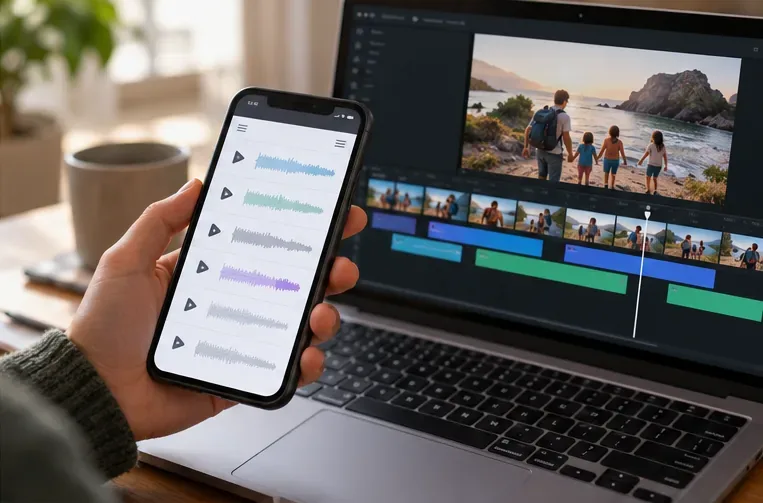
Write down each destination before you choose a track: private family link, public social post, monetized channel, school or community screening, or promotional post for a business. Confirm that the license explicitly covers the destinations and uses you need. If you might repost the same export to multiple platforms, look for cross-platform online video rights, plus monetization or promotional rights when relevant. A platform-specific library can be simpler and lower-cost for one app; a stock license or direct written permission may be a better fit for a reusable master file.
Read restrictions on account type, audience size, territory, term, and derivative edits. Some licenses allow trimming or fading but not remixing; some subscriptions distinguish personal videos from client or business work. If a term is unclear, ask the rights provider in writing before publishing. Keep the answer with the license. Do not treat a search result, a creator’s “free music” caption, a download button, or the presence of a track in an editing app as proof of every permission you need.
If the video will live only inside one social app, first inspect that app’s built-in music terms and keep the edit within the covered feature. If you want to share a family montage on several services, choose stock music with explicit cross-platform video permission or commission original music with a written grant for both the composition and recording. If cost matters most and you can manage conditions, use a verified Creative Commons track or a platform library, following attribution and use limits exactly. If you want no music-rights uncertainty, use your own recording only when you own or have cleared every sound in it.
The practical test is simple: can you point to a current license or written permission that names the track, covers the places you plan to share the video, and satisfies its conditions? If not, choose another track or get clarification before posting. Music should support the memory in your video without leaving you unsure whether you were allowed to use it.
Sources checked October 1, 2026. This is general information, not legal advice; rules can differ outside the United States and individual licenses may impose additional conditions.
Record smoother family videos without a gimbal using a steady grip, body bracing, stable surfaces, walking technique, and built-in phone stabilization.
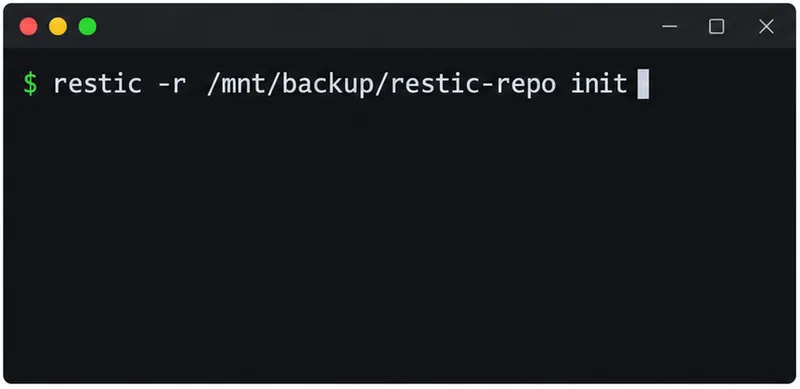
Learn how deduplicating backups, snapshots, hashes, and restore tests can protect large videos while avoiding redundant copies.
Review faces, addresses, school clues, screens, audio, and location metadata before posting a family video. Compare blur, crop, mute, private sharing, and not posting.
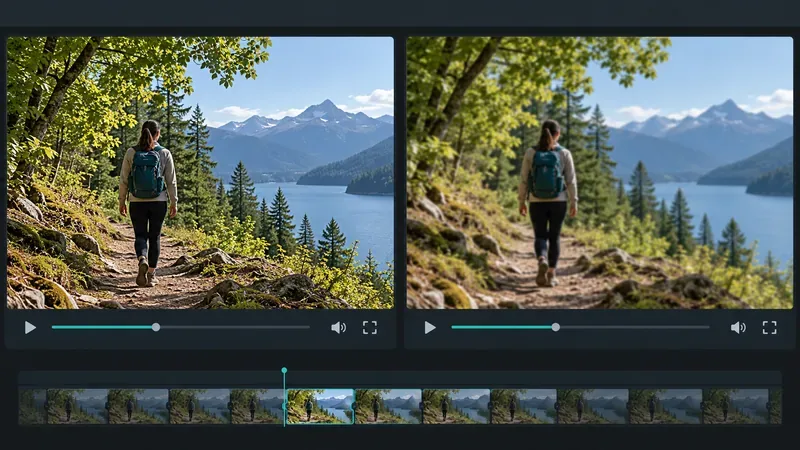
Phone video brightness shifts usually come from auto-exposure, changing lenses, or flickering lights. Diagnose the cause and steady your next recording.
Learn how to reduce flicker and banding from household lights by matching frame rate and shutter speed, using camera controls, testing dimmers, and changing light sources.
Choose music for a home video by matching its license to your platforms, checking attribution and reuse terms, and saving proof before you post.
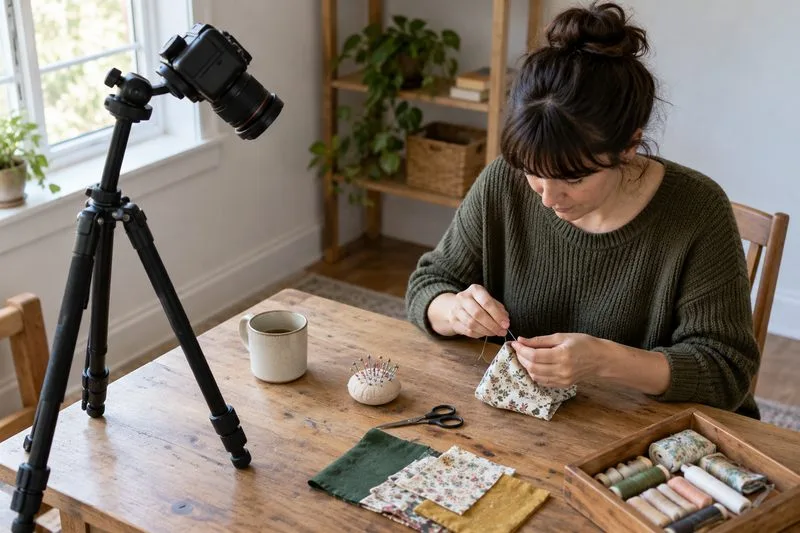
Find a practical camera height for craft demonstrations, compare overhead and angled views, and check framing, focus, and lighting so viewers can follow each step.
Learn why uploaded videos can look softer, how transcoding and playback quality affect detail, and what to check in processing, export settings, and your source file.
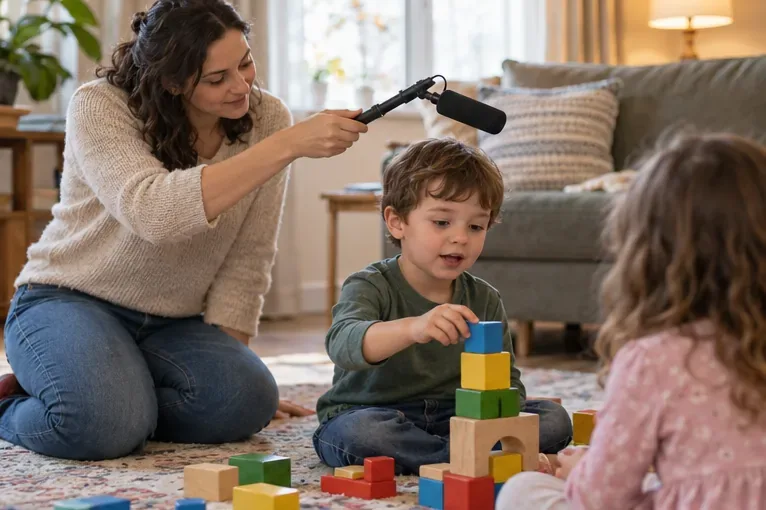
Capture more understandable speech when children move with closer microphone placement, a quieter setup, simple monitoring, and a clear playback check.
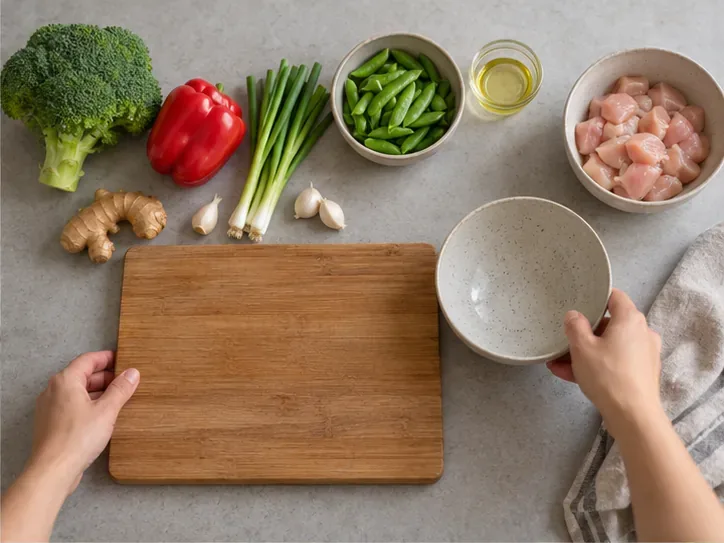
Learn how to film short recipe videos with hands-only framing, a clean background, careful audio, and a final privacy check before posting.