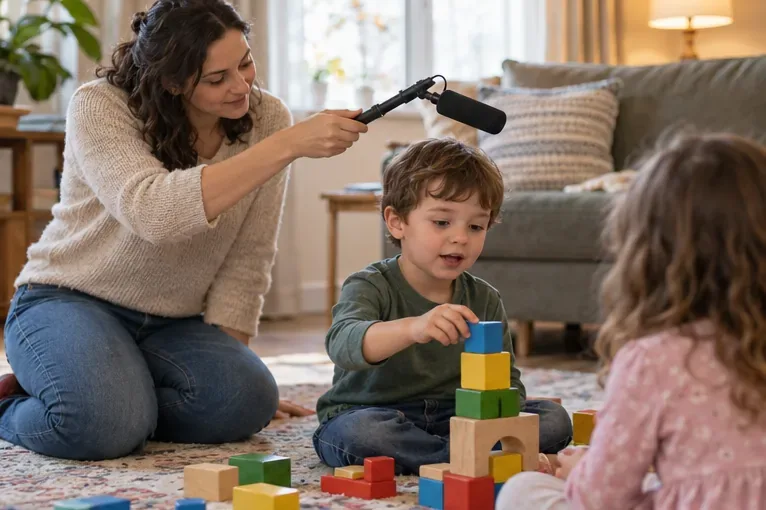
How to Record Steady Family Videos Without Buying a Gimbal
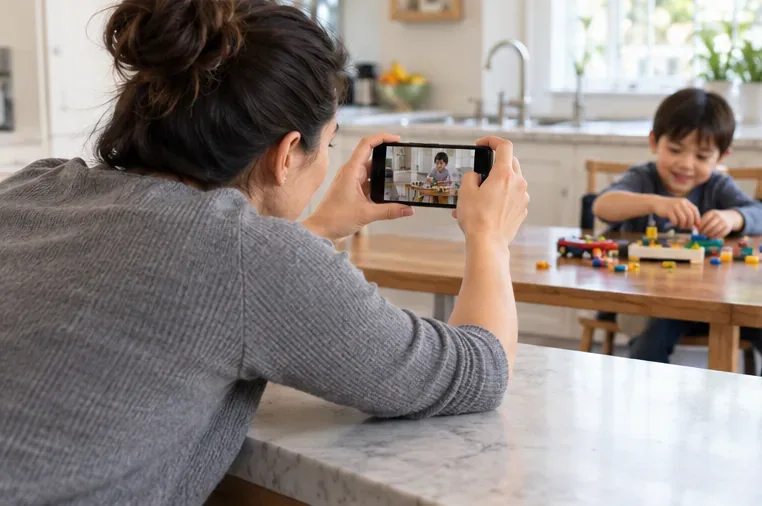
Record smoother family videos without a gimbal using a steady grip, body bracing, stable surfaces, walking technique, and built-in phone stabilization.
A phone or camera flash can turn a relaxed pet into a startled one, and dim rooms often produce dark, blurry footage. You can usually solve both problems without a flash: make the room brighter before recording, keep the camera steady, and let your pet decide how close to get. This four-part setup works for cats and dogs with a phone or a dedicated camera. A pet’s reaction is individual, so treat comfort—not a perfect take—as the measure of success.

Start with light that is already part of the room. A large window is often enough for a short indoor clip. Position your pet so the window is in front of them or slightly to one side; if the window is directly behind the animal, the camera may expose for the bright glass and leave the face in shadow. Sheer curtains can soften direct sun. Avoid moving a sleepy or settled pet just to make the shot more dramatic.
Record during the brighter part of the day if that fits your pet’s routine. Turn on ordinary room lights before filming, rather than switching on a bright lamp next to the animal at the last second. If you need a continuous LED light, place it several feet away, point it toward a pale wall or ceiling, and increase brightness gradually. A constant light can still feel intense; stop if your pet avoids it or seems uneasy. Keep stands, cords, and hot lamps out of the pet’s path.
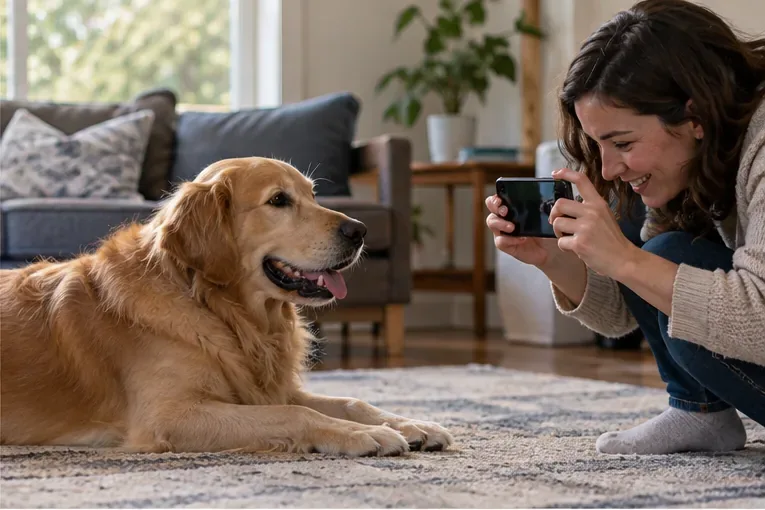
Before recording, set the camera’s flash to “off,” not “auto.” On a phone, also check that the video light or flashlight is off; some camera apps keep a continuous light available even when you are recording video rather than taking a still photo. Menu names vary by device, so check the camera preview before the pet is in position. If your camera makes a loud focus beep or shutter sound, use its quiet setting when available.
Hold the phone with both hands, rest your elbows on your knees, or use a small tripod placed where your pet can see it. Then start recording before inviting your pet into the frame. This gives you a moment to check focus and exposure without repeatedly raising the device, tapping the screen, or making sudden movements near the animal. Keep the lens at about eye level for a natural view; you can crouch or sit instead of asking the pet to pose.
First try the easiest change: move to a brighter room or closer to a window. On a phone, tap the pet on screen to help set focus and exposure; if the image is still too dark, adjust the exposure slider slightly rather than turning on flash. Avoid pinching the digital zoom, which can make phone footage look softer. Move closer only if your pet stays comfortable.
With a dedicated camera, a wider aperture (a lower f-number, if your lens allows it) lets in more light. Auto ISO can raise the camera’s sensitivity as the light changes, though high ISO may add visible grain. Nikon explains the tradeoff between ISO, aperture, and shutter speed in its guide to Auto ISO. For video, start with your camera’s normal video or auto-exposure mode; exact controls vary by model.
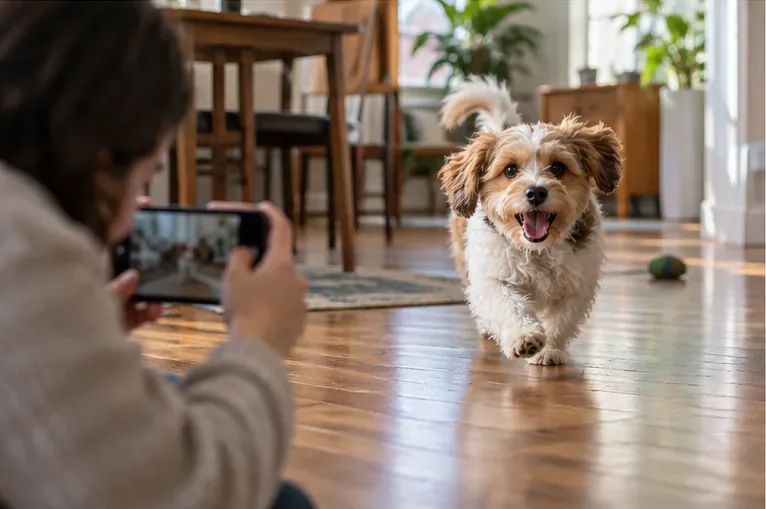
If a moving pet looks smeared, more light is usually a better first fix than asking the camera to use a much slower exposure. A tripod can reduce shake from your hands, but it cannot freeze a pet that is moving through the frame. Nikon’s shutter-speed explanation describes how longer exposures can blur movement. For an energetic game, film in a brighter space and keep the camera steady while allowing the pet to move naturally.

Let your pet choose whether to approach, stay, or leave. Use a familiar toy or a calm voice if that usually helps, but do not keep calling, touching, or repositioning an animal that is trying to get away. Film short clips during ordinary behavior—resting, sniffing, playing, or looking toward a familiar person—rather than holding a long session for a single pose.
Watch the whole body, not just the face. The RSPCA’s dog body-language guide describes signs of discomfort such as a lowered posture, tucked tail, ears back, yawning, or turning away. The RSPCA’s cat guide notes that a tense crouch, tucked tail, flattened ears, or hiding can signal that a cat wants distance. These cues do not diagnose a problem on their own, but they are a good reason to stop filming and give the animal space. The RSPCA dog guide and RSPCA cat guide offer more detail. If worrying behavior continues outside filming, ask your veterinarian for advice.
| What you see | Try this first |
|---|---|
| Dark face or bright window | Turn the pet toward the window or move to a brighter room. |
| Blurry movement | Add more ambient light and stabilize your hands; avoid filming fast play in a dim room. |
| Grainy image | Increase available light before raising ISO or digital zoom. |
| Pet looks away, hides, or tenses | Lower the camera, stop the take, and let the pet leave or settle. |
Watch one short clip with the sound on. Can you see the pet’s eyes and coat detail? Is the face bright without the window becoming a white patch? Does movement look clear enough for the activity? Most importantly, did the pet remain relaxed and return to its normal behavior afterward? If the video is dark, improve the room lighting. If it is shaky, steady the camera. If the pet shows discomfort, end the session. A good pet video is a brief record of an animal at ease—not a reason to repeat a take.
Record smoother family videos without a gimbal using a steady grip, body bracing, stable surfaces, walking technique, and built-in phone stabilization.
Learn how deduplicating backups, snapshots, hashes, and restore tests can protect large videos while avoiding redundant copies.
Review faces, addresses, school clues, screens, audio, and location metadata before posting a family video. Compare blur, crop, mute, private sharing, and not posting.
Phone video brightness shifts usually come from auto-exposure, changing lenses, or flickering lights. Diagnose the cause and steady your next recording.
Learn how to reduce flicker and banding from household lights by matching frame rate and shutter speed, using camera controls, testing dimmers, and changing light sources.
Choose music for a home video by matching its license to your platforms, checking attribution and reuse terms, and saving proof before you post.
Find a practical camera height for craft demonstrations, compare overhead and angled views, and check framing, focus, and lighting so viewers can follow each step.
Learn why uploaded videos can look softer, how transcoding and playback quality affect detail, and what to check in processing, export settings, and your source file.
Capture more understandable speech when children move with closer microphone placement, a quieter setup, simple monitoring, and a clear playback check.
Learn how to film short recipe videos with hands-only framing, a clean background, careful audio, and a final privacy check before posting.